How to create FCM project?
This guide will show you how to create FCM (Firebase Cloud Messages) project.
go to https://console.firebase.google.com/
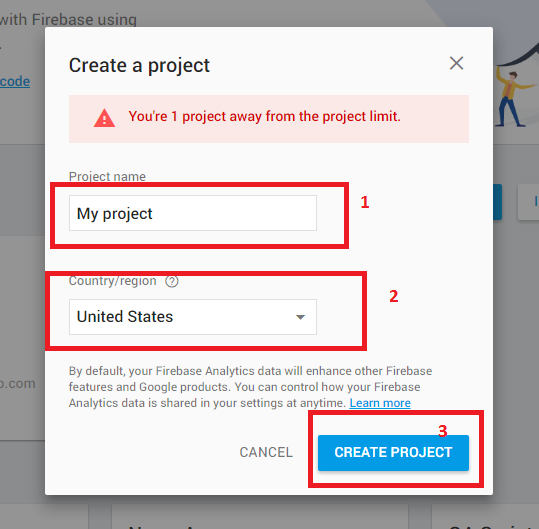
Click -> Create new project
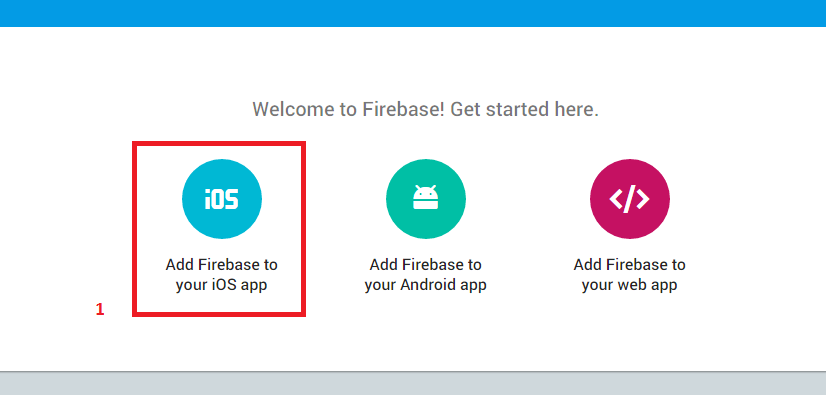
Click -> Add Firebase to your iOS app
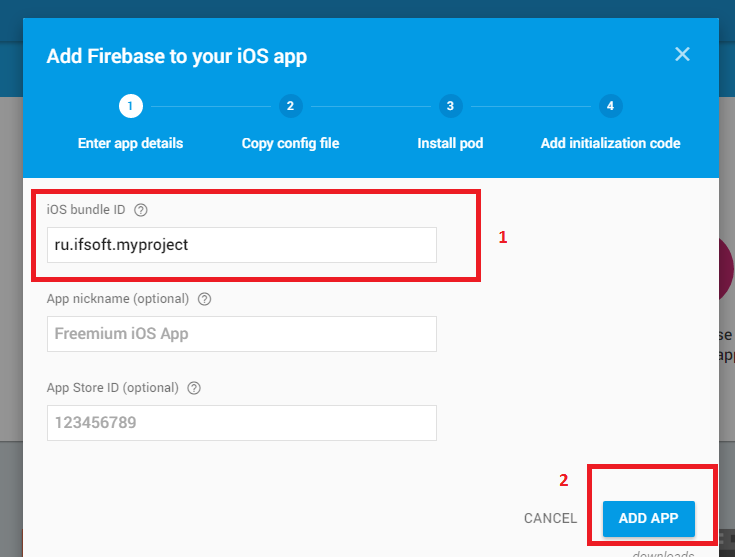
enter your "iOS bundle ID" and press -> Add app
Download and copy (replace) "GoogleService-Info.plist" file to directory "YouProject/app/"
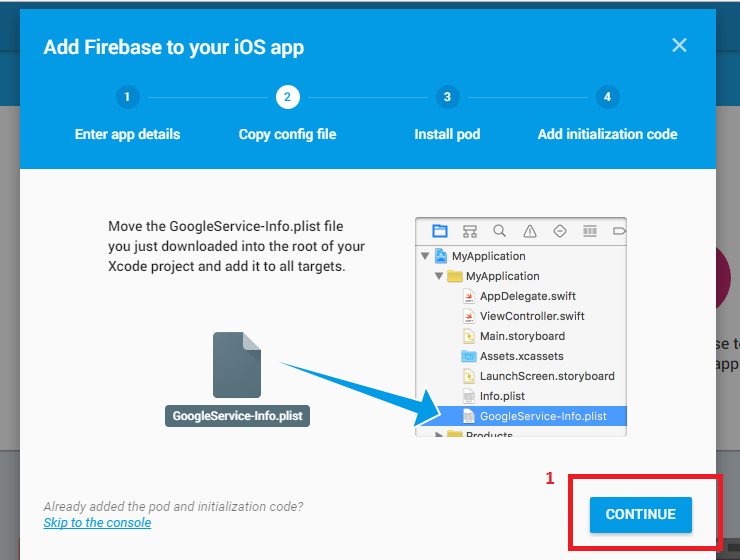
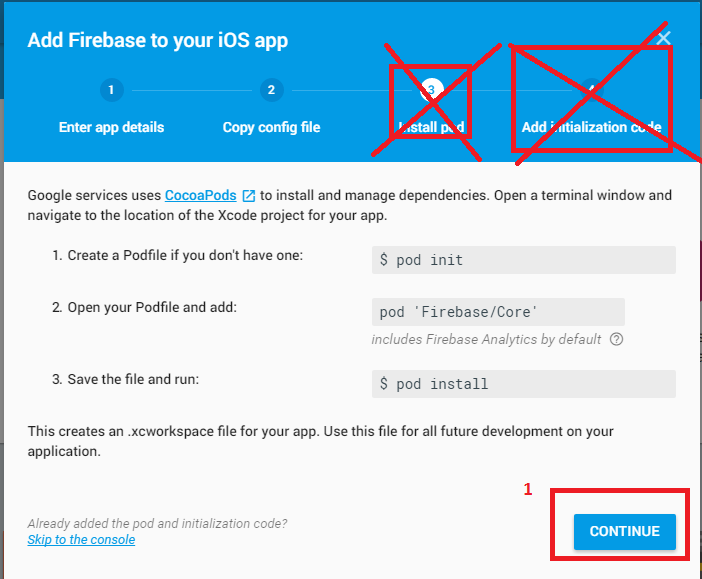
Skip Steps "Install pod" and "Add initialization code" and press -> Continue
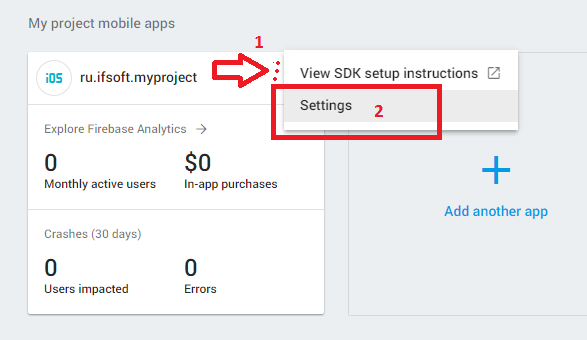
Press menu and select "Settings"
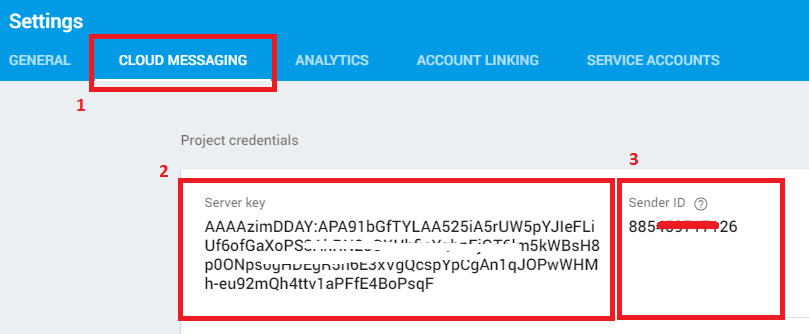
Receive "Server key" and "Sender Id". Enter "Server key" and "Sender Id" to db.inc.php config file.
In my Dating App, db.inc.php config file constants: GOOGLE_API_KEY = you "Server key", GOOGLE_SENDER_ID = you "Sender Id"