How to integrate Google Maps in Android project?
Here I will show how to integrate Google Maps into your Android project.
Go to the Google Cloud Platform Console in your browser.
Select you project or create new project
Go to API Library
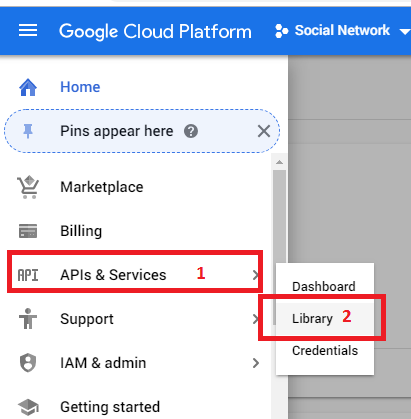
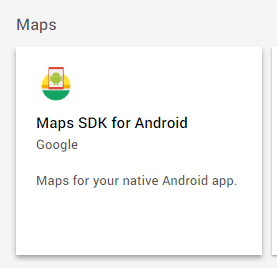
Select "Maps SDK for Android"
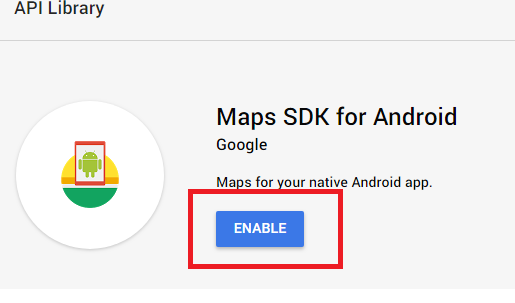
Press -> Enable
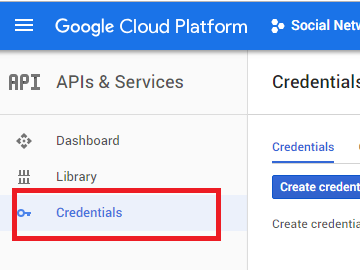
Go to "Credentials" section
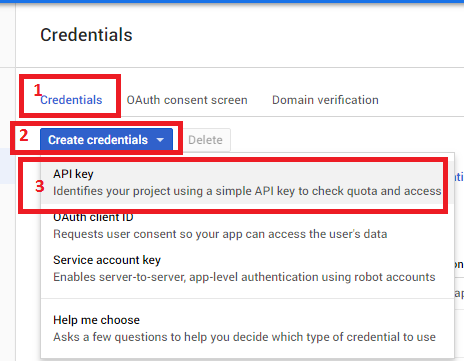
Click "Api Key" in dropdown menu
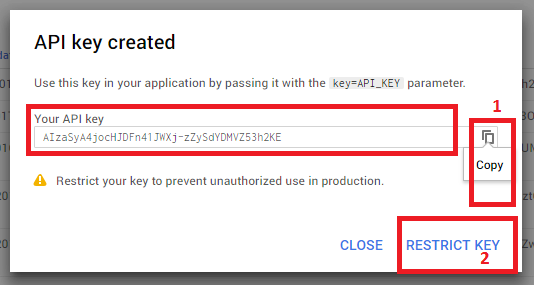
Press "RESTRICT KEY"
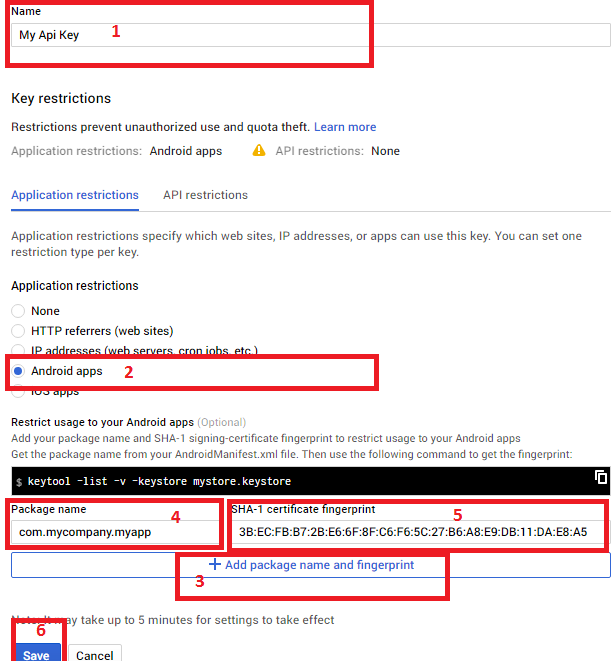
Follow the steps in the screenshot. Also generate a SHA-1 signing-certificate for Release and Debug
Copy you Api Key
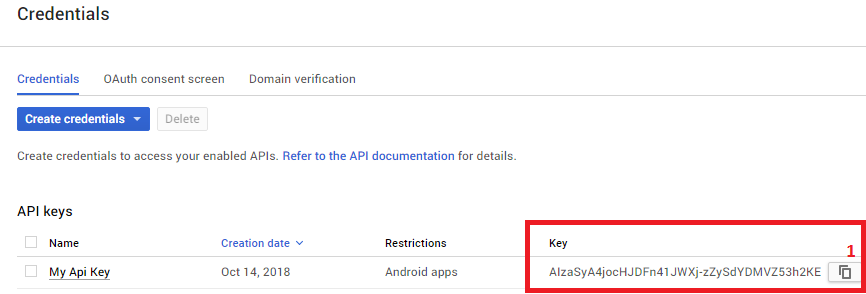
Paste you Api Key to string constant "google_places_api_key" in you strings.xml

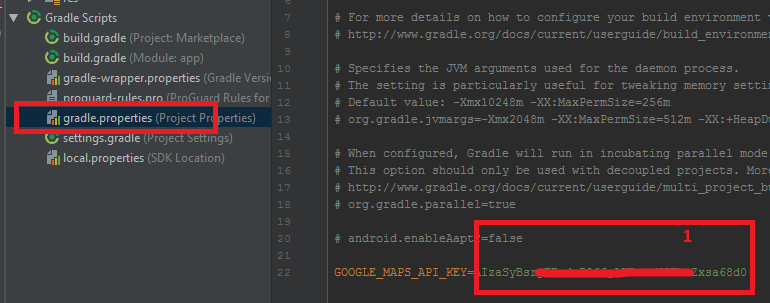
Als Paste you Api Key to constant "GOOGLE_MAPS_API_KEY" in you gradle.properties